Room booking

Modified on Tue, 29 Sep at 5:44 PM

Systam Rooms

Room booking

No more guessing which meeting rooms are free. Availability is visible at the door at a glance, and bookings happen wherever it feels most natural: in your own calendar or right at the display in the hallway.
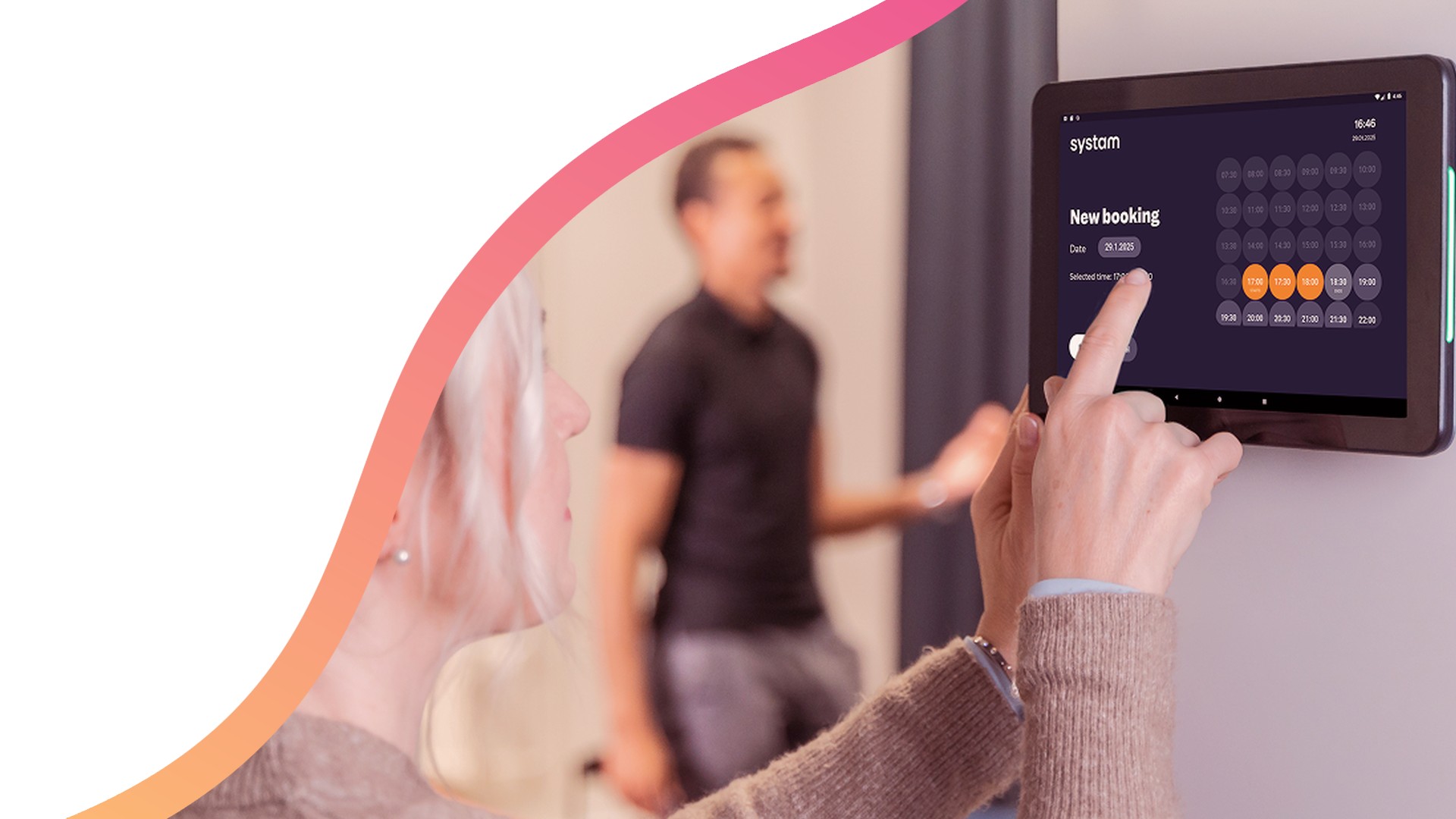
A user books a meeting room on the door display

Three ways to book

  • From your own calendar. Create a meeting in Outlook or Google Calendar and choose the room as usual. The booking appears on the display automatically.
  • Right at the display. Book a free room on the touchscreen for 15, 30 or 60 minutes on the spot.
  • From the display's calendar. Plan an upcoming meeting in the same view, and extend or end an ongoing booking early.

What it changes day to day

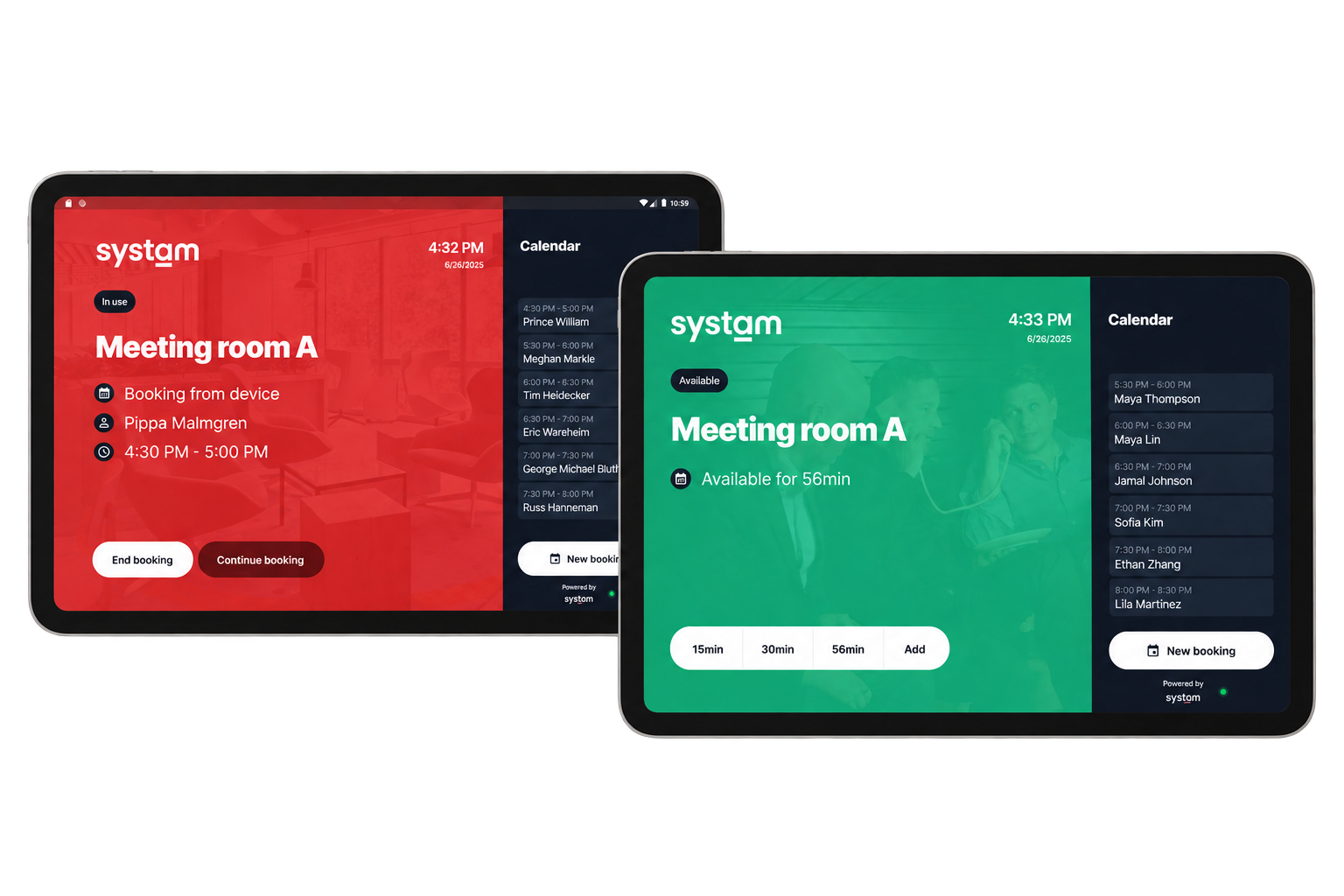
  • Color coding and the LED lights on the side of the display show from down the hallway whether the room is free, booked or in use.
  • Optional check-in releases the room for others if no one confirms their arrival within 15 minutes. Booked but unused rooms don't sit empty.
  • Displays are branded with your organization's logo and colors, and they wake up and go to sleep according to office hours.
A booked and a free meeting room on door displays

Setup and requirements

  • The displays are connected to your Office 365 or Google Workspace environment. We help with the required configuration.
  • The display is a 10" touchscreen with PoE power, remote monitoring and automatic updates. Physical installation is the customer's responsibility.
  • A meeting room resource can be set to add the Systam Visit invite address to the calendar invite automatically, so booking the meeting also creates the visit and the guest receives arrival instructions.

Pricing: Sold as a service with monthly billing, or as part of the Systam Visit agreement. The price includes the device and license, remote setup and delivery, on-site replacement warranty and customer support.

Get in touch

sales@systam.io  |  +358 10 470 3600

Was this article helpful?

That’s Great!

Thank you for your feedback

Sorry! We couldn't be helpful

Thank you for your feedback

Let us know how can we improve this article!

Select at least one of the reasons
CAPTCHA verification is required.

Feedback sent

We appreciate your effort and will try to fix the article