Mobile sign-in

Modified on Fri, 11 Sep at 10:51 AM

Systam Visit function

Flexible mobile sign-in for every location 

Enable visitors to sign in using their own phone. Invited visitors can easily sign in through their invitation message, while walk-in visitors can sign in by scanning a QR code.

 This allows you to manage visitor data and the entire visit process securely and cost-effectively across all your locations – including those with lower visitor volumes where there is no need for reception staff or even a self-service kiosk.

 
A guest opens a door using Abloy's PIN code keypad

Sign-in for invited visitors

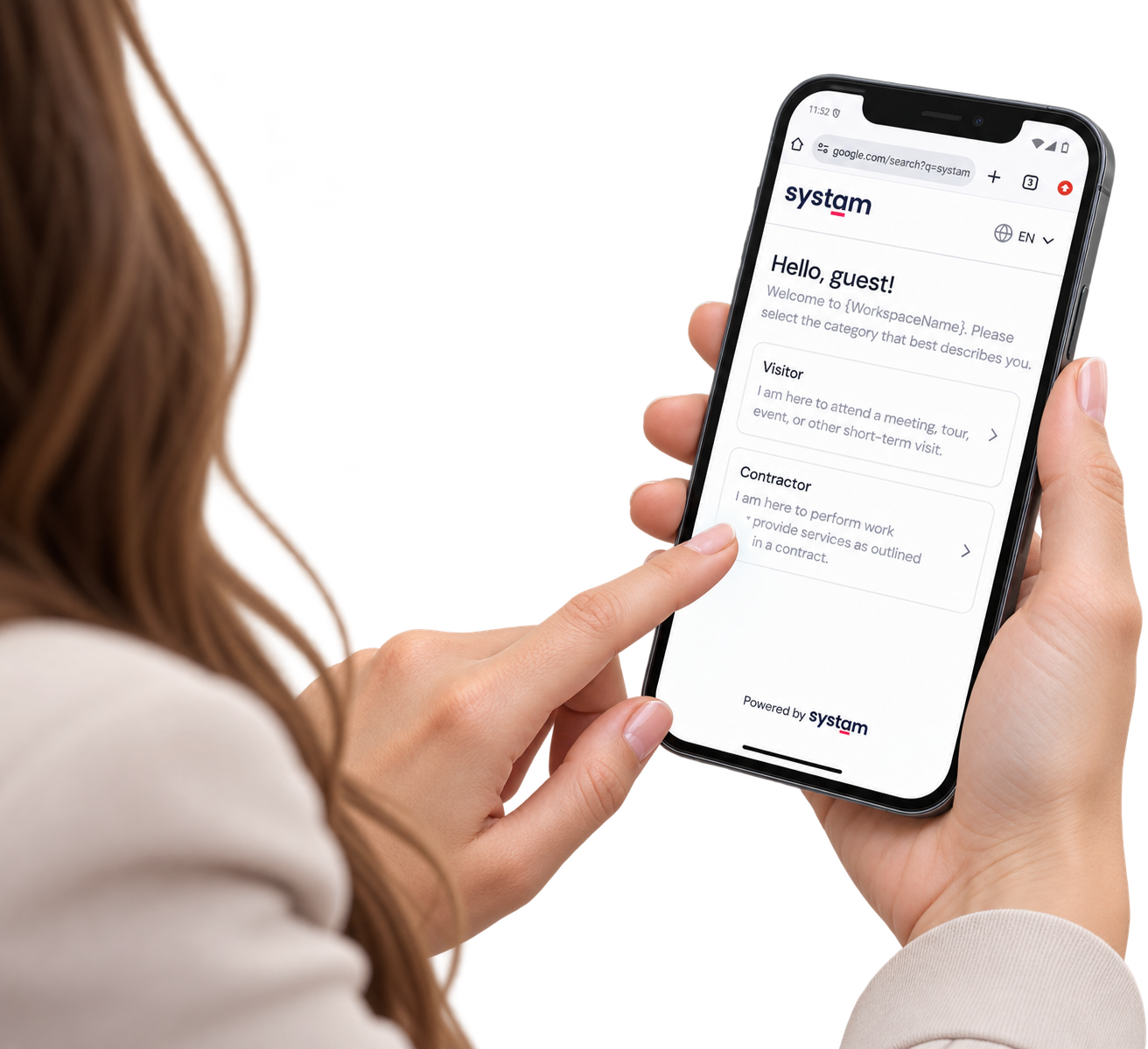
  • Pre-invited visitors receive a message before their visit, allowing them to see their visit details in Systam Mobile and accept any applicable terms in advance.
  • On the day of the visit, a sign-in button appears in the app, allowing the visitor to sign in smoothly using their own mobile device.
  • After signing in, the visitor receives a mobile visitor badge on their phone


Sign-in for walk-in visitors

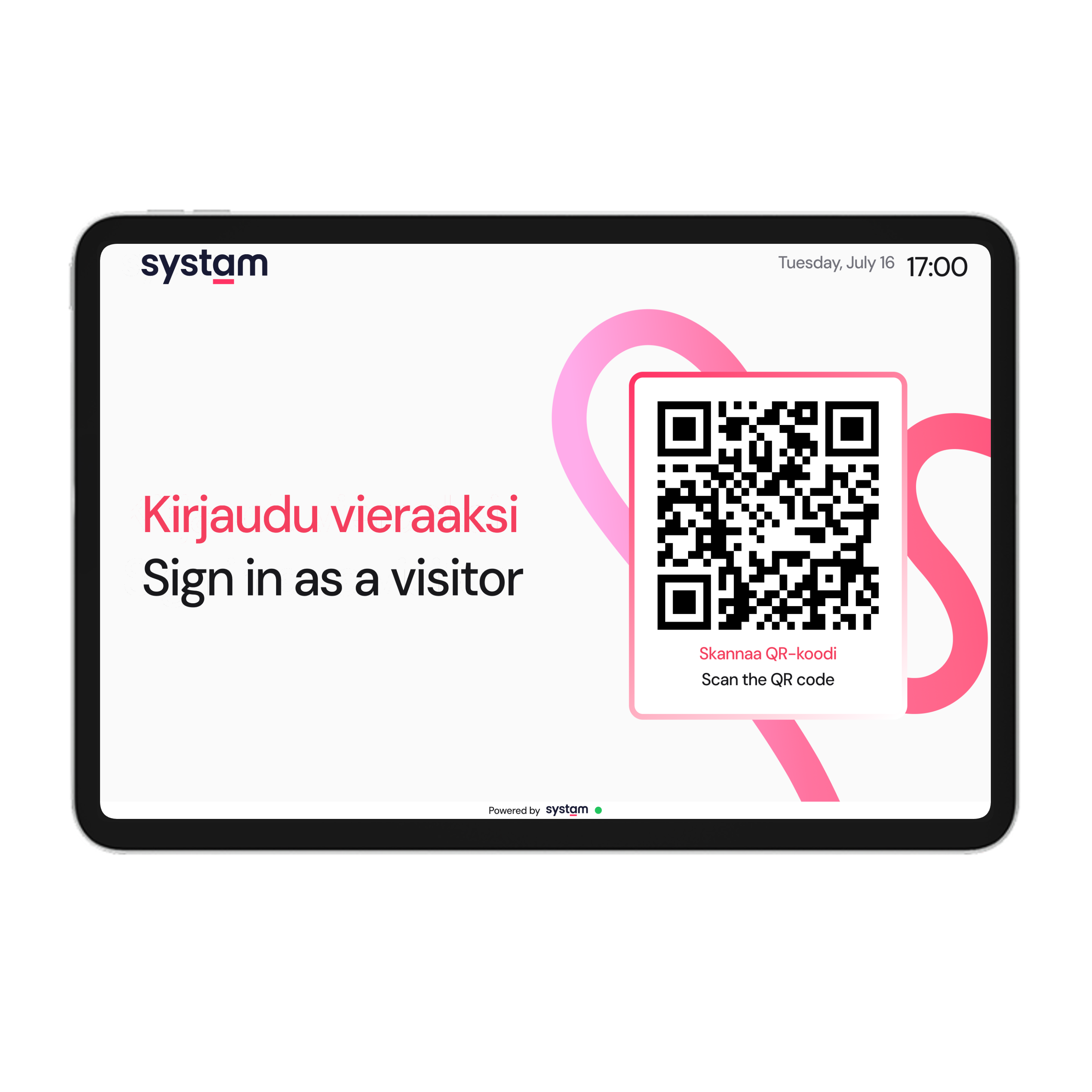
  • Walk-in visitors can scan a rotating QR code displayed on a wall- or desk-mounted screen at the location and sign in using their own phone.
  • During sign-in, the visitor provides their contact details and accepts any applicable terms related to the visit.
  • After signing in, the visitor receives a digital visitor badge on their phone.


Requirements

  • For QR code sign-in, the location must have a suitable place for the small 10” touchscreen included with the service.
  • We strongly recommend an Ethernet connection for installation. The display can also be powered via Power over Ethernet (PoE), eliminating the need for a separate power cable.
  • Our support team will guide you through the setup step by step.

Pricing: The device and service are billed monthly. Pricing depends on the overall service package.

A guest opens a glass door with a PIN code, phone in hand

Was this article helpful?

That’s Great!

Thank you for your feedback

Sorry! We couldn't be helpful

Thank you for your feedback

Let us know how can we improve this article!

Select at least one of the reasons
CAPTCHA verification is required.

Feedback sent

We appreciate your effort and will try to fix the article