Calendar invite

Modified on Wed, 16 Sep at 2:04 PM

Systam Visit integrations

Calendar invite

Announcing a visit doesn't require a new system or a new step in your routine. The host sends a calendar invite just like before, and Systam Visit takes care of the rest.
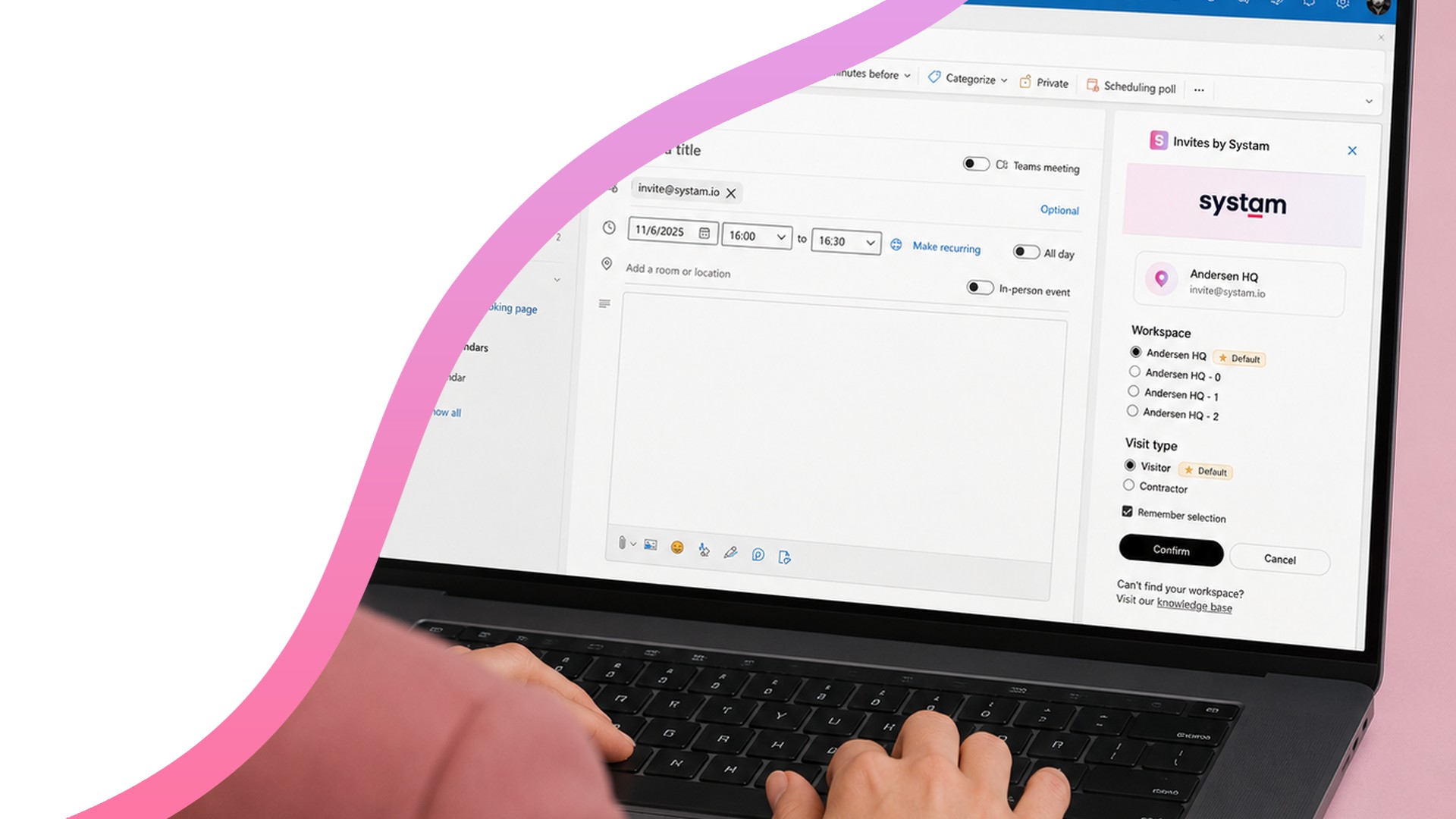
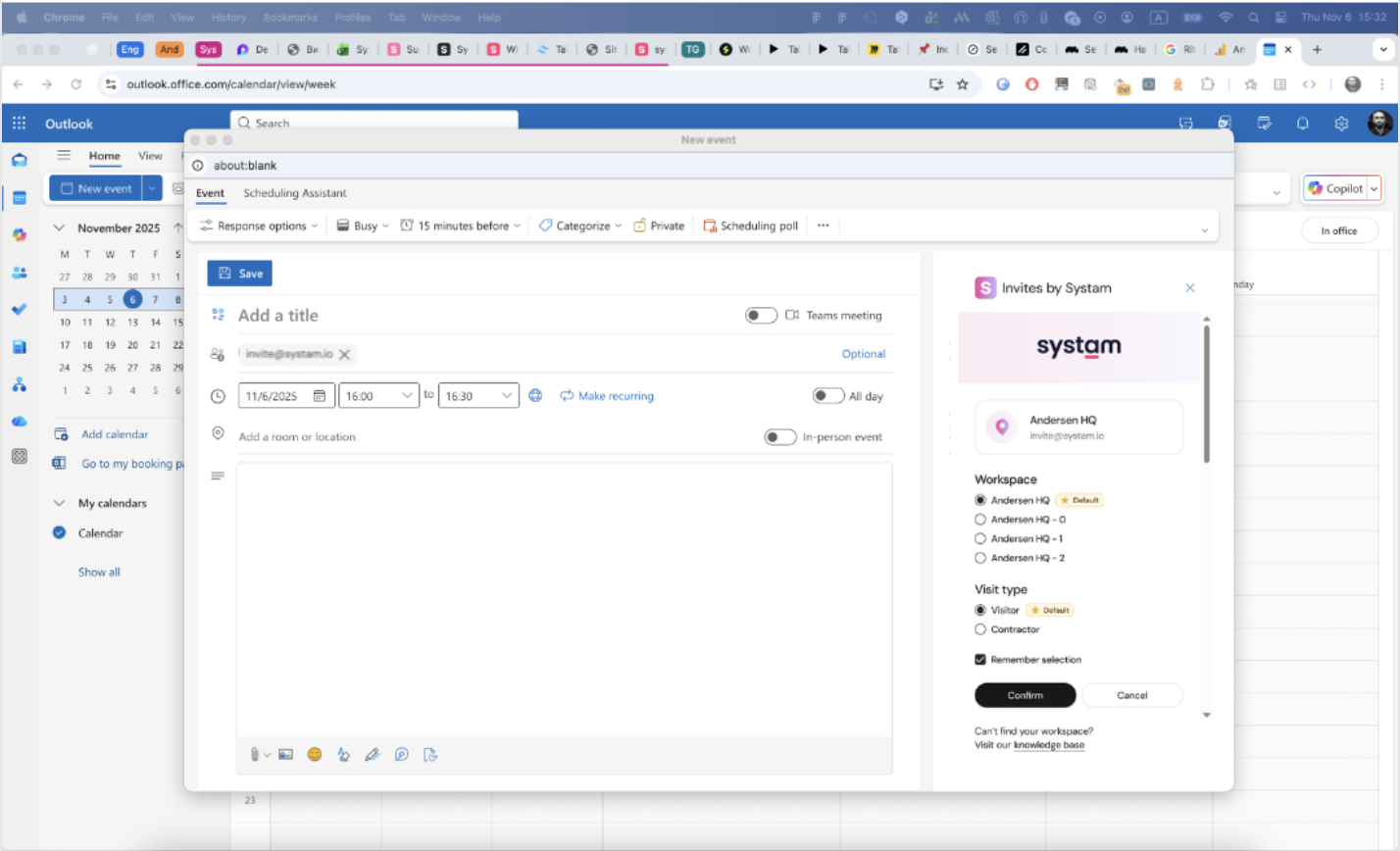
Creating a calendar invite on a laptop

How it works

  • Add your organization's own invite address as a participant, or use invite@systam.io, which works for everyone.
  • Systam Visit reads the invite, creates the visit, and sends guests a pre-arrival message with arrival instructions and sign-in codes.
  • The host, guests, time and invite title carry over as they are — the meeting room too, if you like.
  • Reception sees upcoming visits in advance, and sign-in is faster once the details are already there.
Invite address added to the calendar invite's participants

Four ways to set it up

  • A ready-made invite address from Systam. Requires nothing from your IT team — the fastest way to start.
  • Your organization's own address. Forwards invites to Systam, while users see your own company's address.
  • The Outlook add-in. Adds the address with a single click, so no one has to remember it.
  • A meeting room resource. Adds the address automatically whenever the room is booked — ties visitor management to Systam Rooms bookings too.

Privacy: The integration only processes the calendar invite attachment. All incoming emails and attachments are permanently deleted from Systam's servers.

Pricing: Included automatically with the Systam Visit service, no separate charge.

Get in touch

sales@systam.io  |  +358 10 470 3600

Was this article helpful?

That’s Great!

Thank you for your feedback

Sorry! We couldn't be helpful

Thank you for your feedback

Let us know how can we improve this article!

Select at least one of the reasons
CAPTCHA verification is required.

Feedback sent

We appreciate your effort and will try to fix the article