Single sign-on (SSO)

Modified on Tue, 29 Sep at 6:06 PM

Systam Visit integration

Single sign-on (SSO)

Sign in to Systam Studio with one click using your organization's Microsoft Entra credentials. No separate Studio accounts and no passwords to remember. Users sign in with the Microsoft account they already use, and IT manages access centrally.

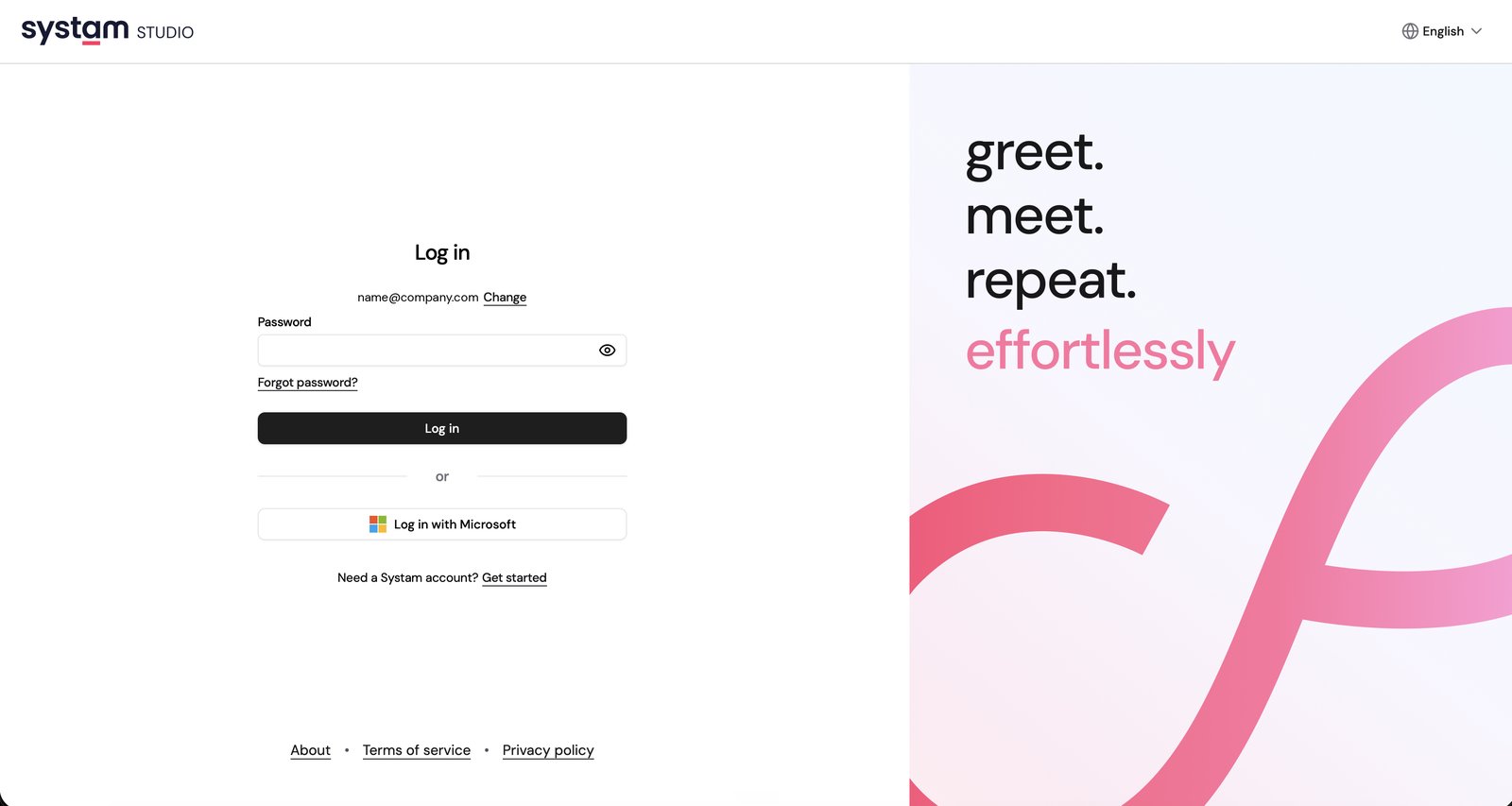
A user signs in to Systam Studio with a Microsoft account

How it works

  • Studio redirects sign-in to Microsoft Entra ID, which authenticates the user with your organization's own credentials.
  • Multi-factor authentication and conditional access policies work as they are, because they stay in your own Entra environment.
  • User additions, removals and password changes are picked up from Entra automatically.
  • SSO can be optional alongside password sign-in, or enforced so that password sign-in is turned off completely.
Microsoft sign-in on the Systam Studio sign-in page

Setup and requirements

  • Your organization needs Microsoft Entra ID and Microsoft 365 accounts.
  • Setup takes a short configuration with your IT team: the tenant ID is added to Studio and an administrator grants consent on the Microsoft side. We provide instructions and guide you through the process.
  • Systam uses a single multi-tenant application, so you don't need to build or maintain your own app registration.
  • Studio roles and permissions stay as they are. SSO covers sign-in and does not replace Studio's own user management.
  • Nothing changes for end users. They sign in with their familiar Microsoft account.

Pricing: The monthly fee for SSO is billed as part of your Systam Visit invoice.

Was this article helpful?

That’s Great!

Thank you for your feedback

Sorry! We couldn't be helpful

Thank you for your feedback

Let us know how can we improve this article!

Select at least one of the reasons
CAPTCHA verification is required.

Feedback sent

We appreciate your effort and will try to fix the article