Want to give your self-service kiosks a unique look? Updating the welcome screen is simple and helps align the kiosk with your brand. Follow these steps to make it happen.
- Log in to Systam Studio by visiting app.systam.io.
- On the left side of the page, click Devices.
- Click the kiosk you want to update from the list of devices.
- In the tab menu, select Customization.
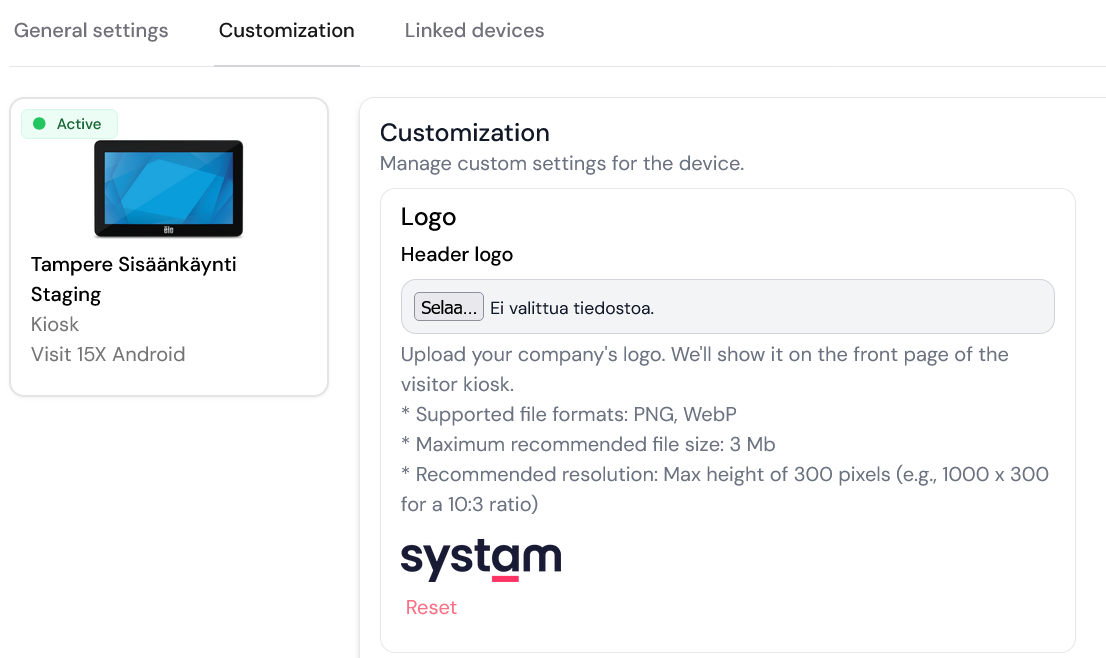
Updating your logo
- Under the Logo section, click Choose file and select your logo.
Updating the welcome screen title
- Under the Title section, you can type in your unique title.
- You can also change the color of the title.
Updating the welcome screen subtitle
- Under the Subtitle section, you can type in your unique subtitle.
- You can also change the color of the subtitle.
That’s it! Your self-service kiosk is now rocking a fresh new look.
Was this article helpful?
That’s Great!
Thank you for your feedback
Sorry! We couldn't be helpful
Thank you for your feedback
Feedback sent
We appreciate your effort and will try to fix the article